 Host a game
 Join a game
On a smart TV? Open tvgaming.net/tv
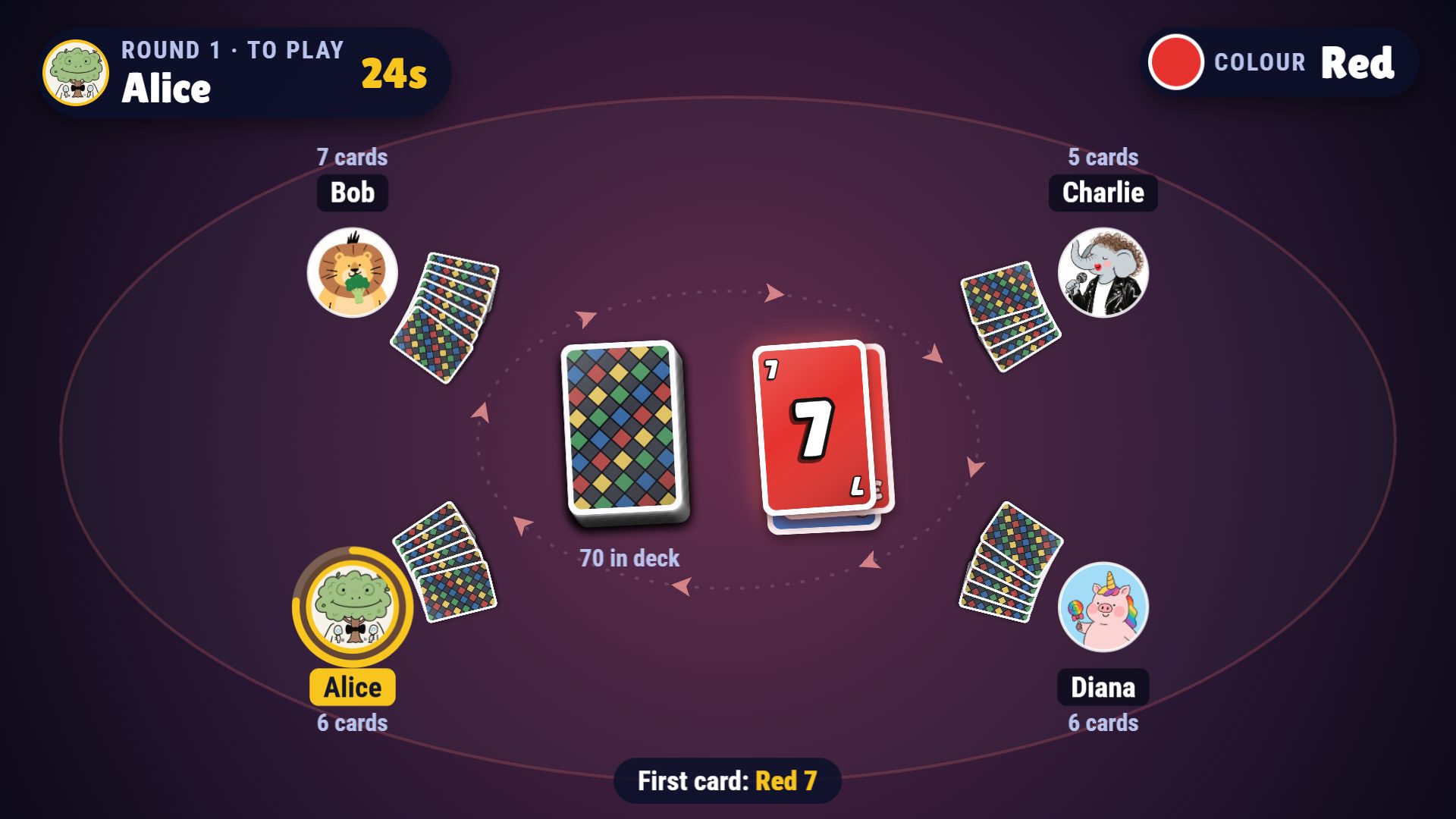
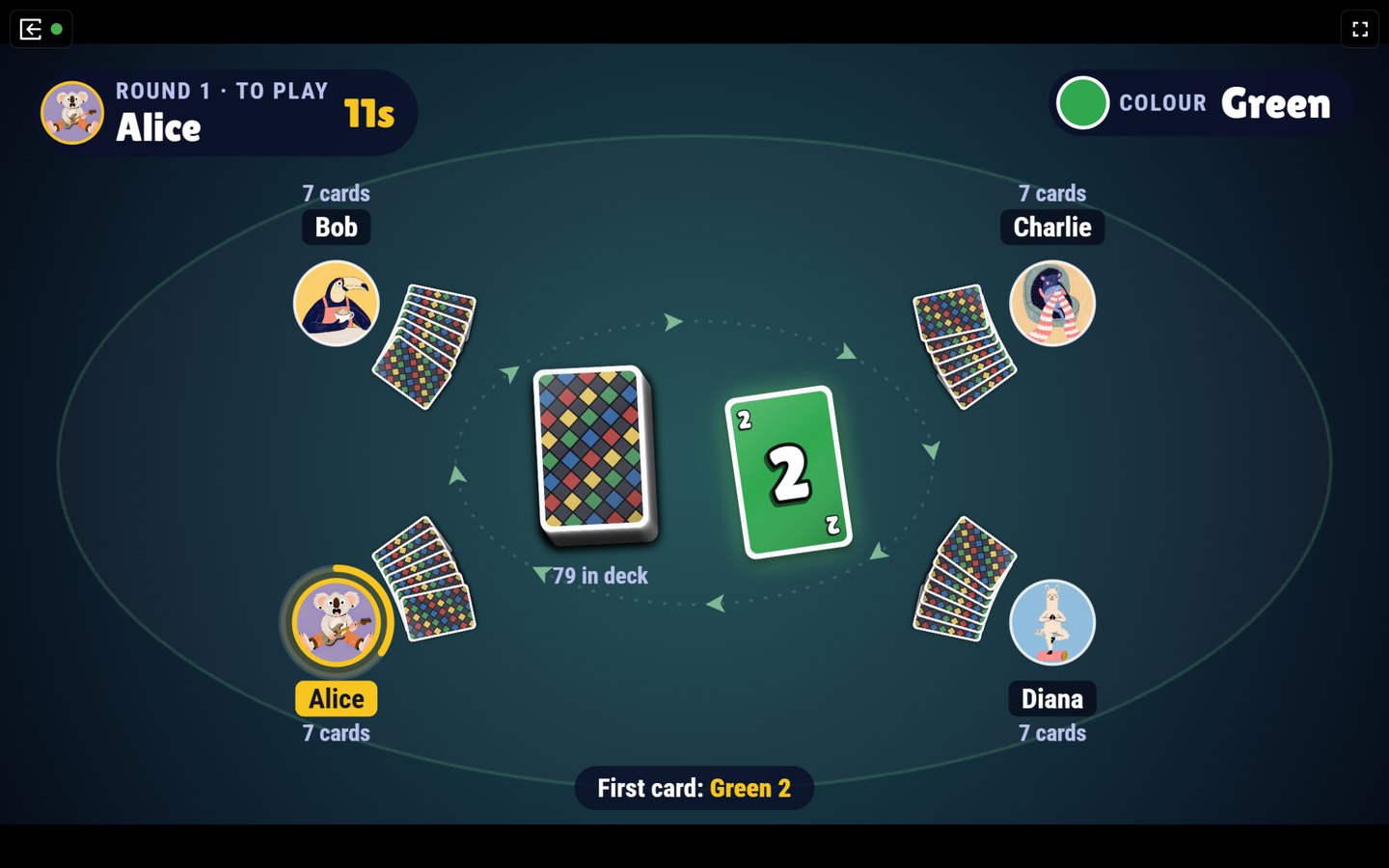
Open a game on any TV, laptop or tablet. Friends join from their phones with a 4-character code. No app to install, no account needed.
Host a game
Join a game
On a smart TV? Open tvgaming.net/tv
Party games for the big screen
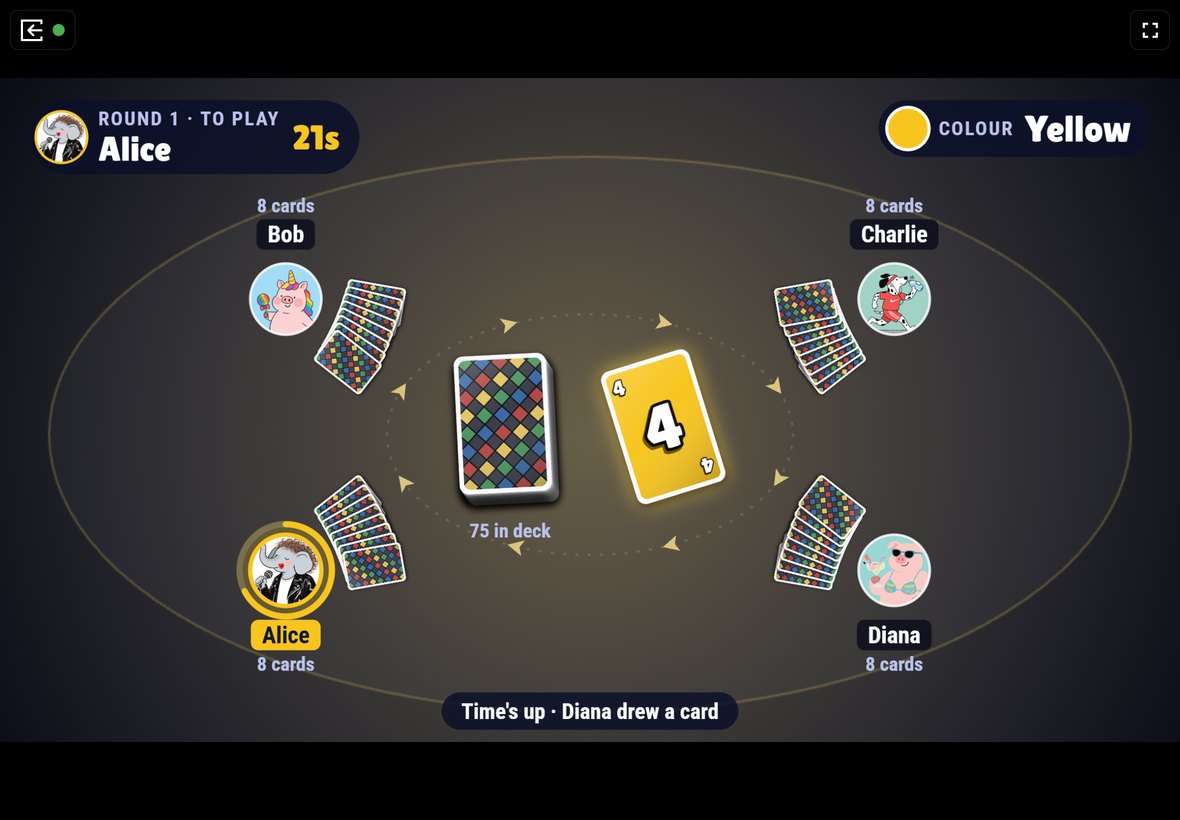
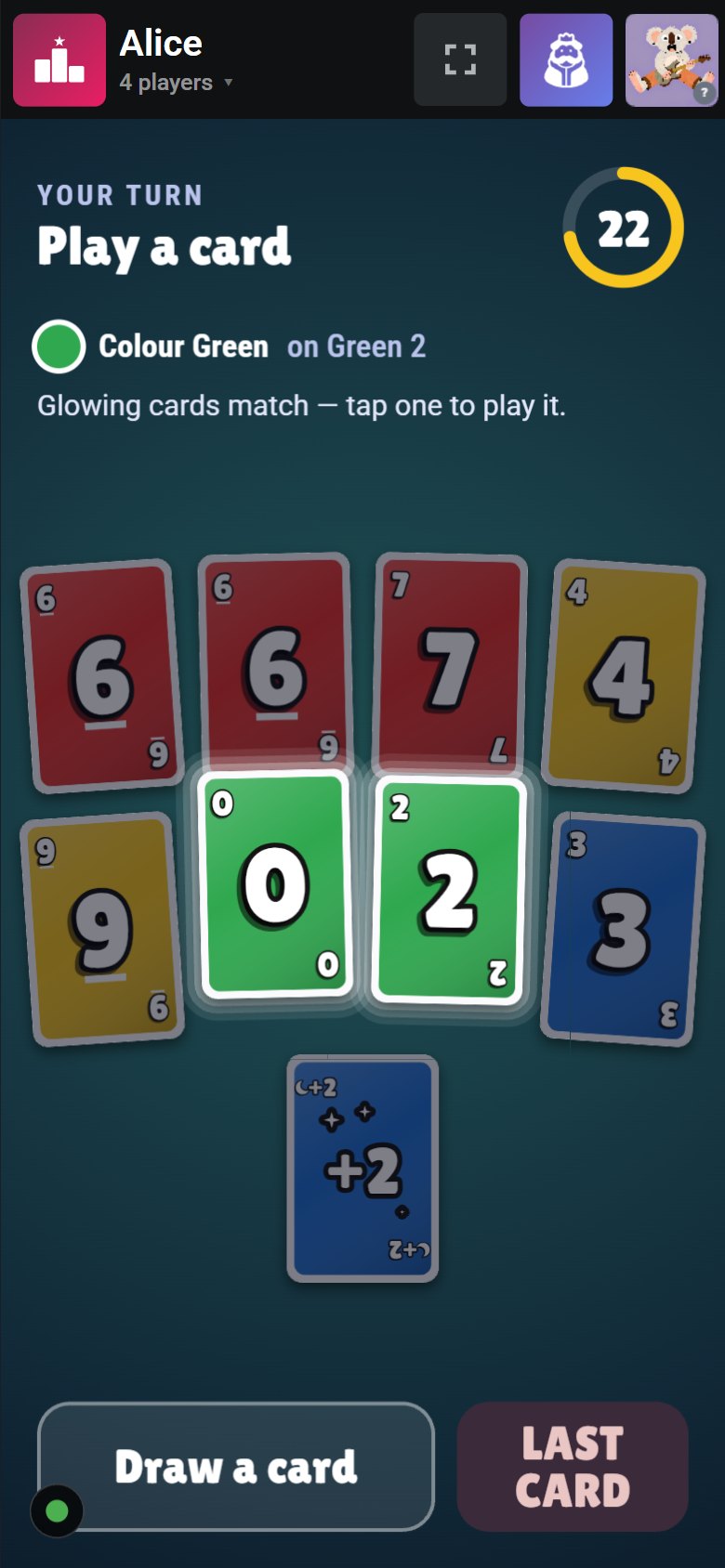
Every game runs in the browser. The TV shows the board, each phone is a private controller.
One screen everyone can see, one phone per player.
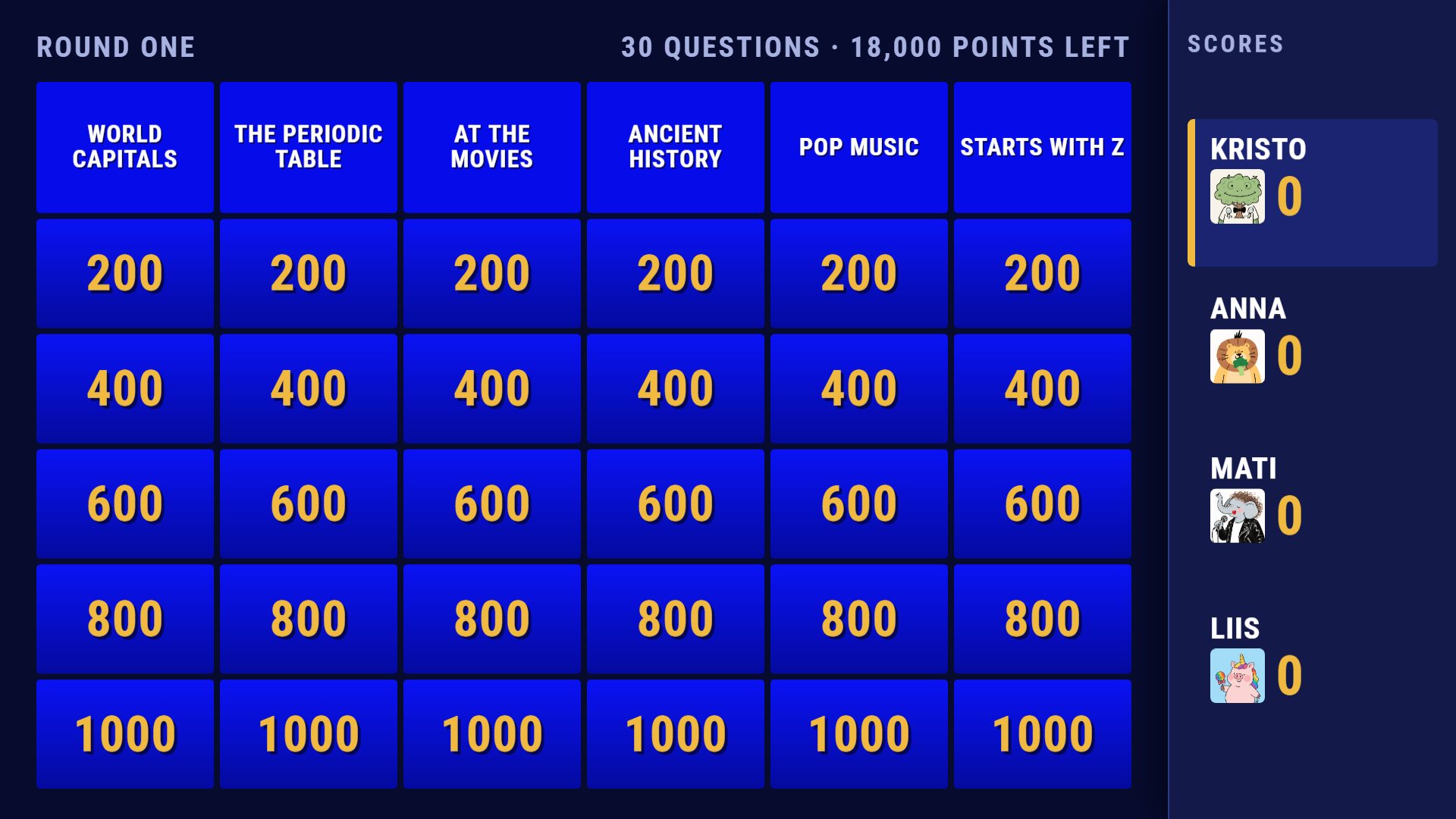
A smart TV browser, a laptop on HDMI, or a cast tab. Pick a game and a room code appears.
Scan the QR code or type the code here. Pick a name and an avatar, and you are in.
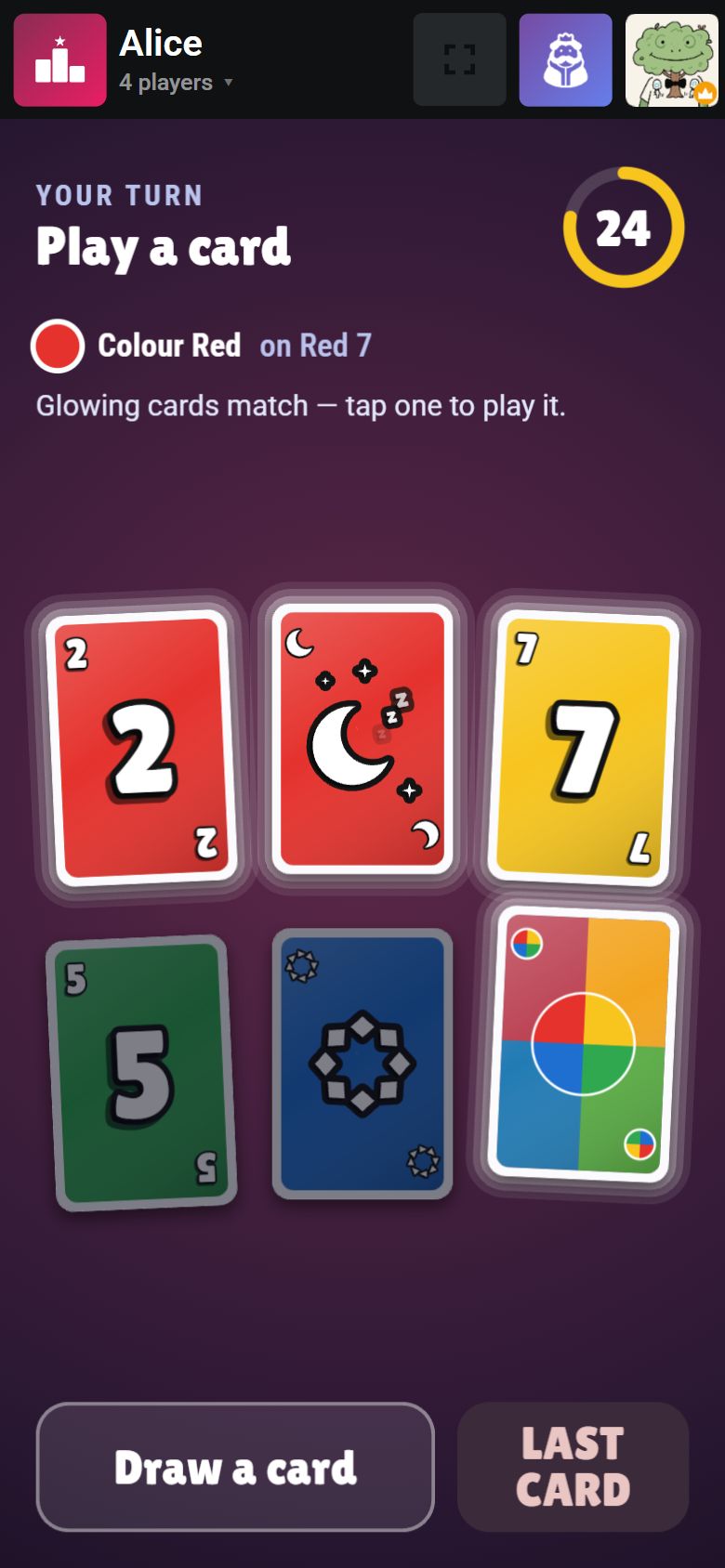
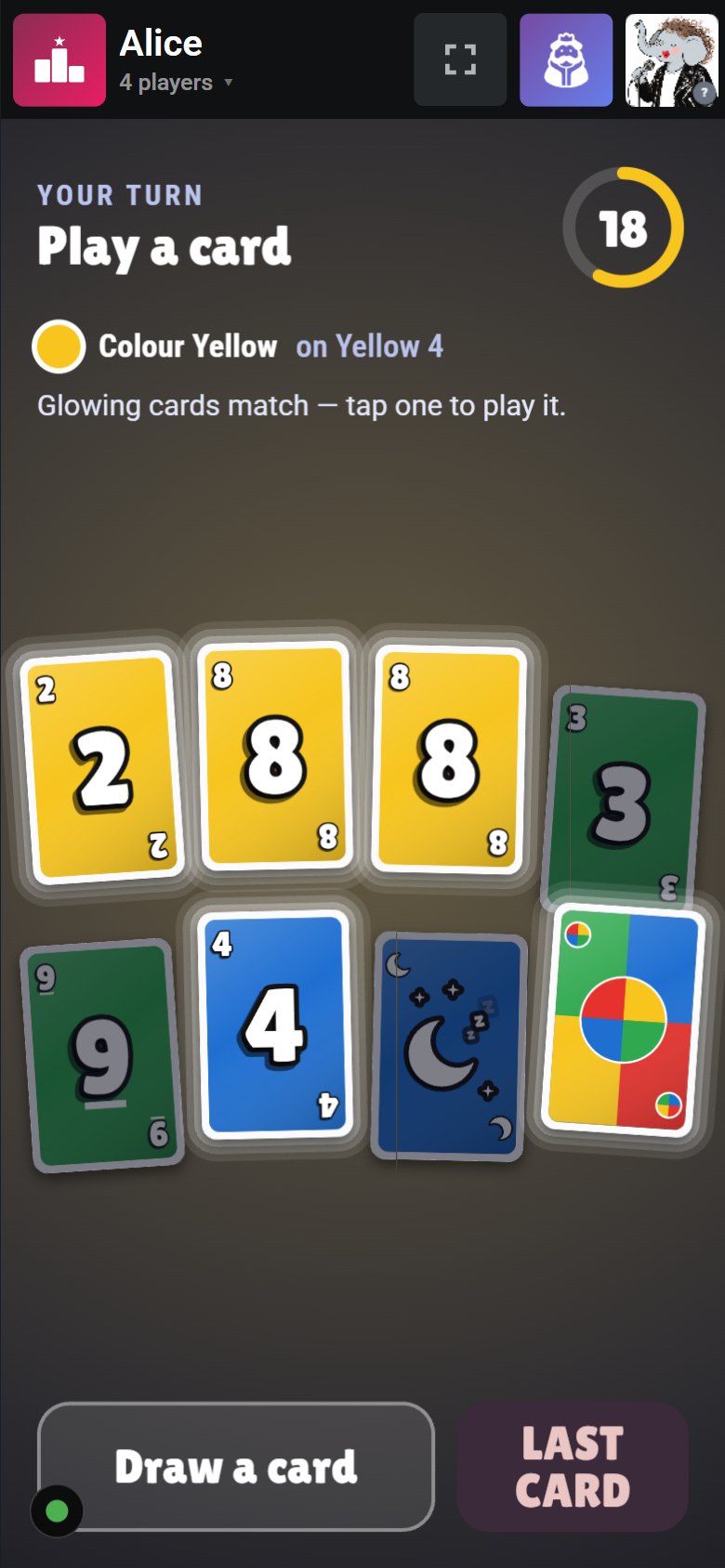
Secret cards, votes and answers stay on your phone. The action plays out on the TV.
Use whatever is easiest. The players always use their own phones.
Open the TV’s web browser, go to tvgaming.net/tv and switch to full screen.
No extra devicesScreen Cast or Smart View on Android, AirPlay on iPhone and iPad.
Chromecast · AirPlay“Cast…” in Chrome or Edge, AirPlay on a Mac, or Wireless Display on Windows.
One clickPlug a laptop into the TV. The most reliable picture and the lowest delay.
Best for partiesFor creators
Write your own word lists, trivia questions and “Who would…?” prompts in the pack editor, or let the AI assistant draft a pack for you. Inside jokes, your office, your class, your favourite club.
Host a game
Join a game
Turn your tablet sideways to host a game
Join a game
'%20x='100'%20y='0'%20width='1400'%20height='904'%20rx='40'/%3e%3crect%20fill='none'%20stroke='rgba(255,255,255,0.07)'%20stroke-width='3'%20x='101.5'%20y='1.5'%20width='1397'%20height='901'%20rx='39'/%3e%3c!--%20lid:%20screen,%2016:10;%20the%20landing%20page%20lays%20the%20screenshot%20over%20this%20box%20--%3e%3crect%20fill='%23000'%20x='140'%20y='40'%20width='1320'%20height='825'%20rx='10'/%3e%3c!--%20lid:%20webcam%20--%3e%3ccircle%20fill='%2307090f'%20cx='800'%20cy='20'%20r='6'/%3e%3c!--%20hinge%20--%3e%3crect%20fill='%230c0f17'%20x='124'%20y='900'%20width='1352'%20height='18'%20rx='9'/%3e%3c!--%20deck:%20top%20surface%20in%20perspective%20--%3e%3cpath%20fill='url(%23deck)'%20stroke='%232c3247'%20stroke-width='16'%20stroke-linejoin='round'%20d='M%20124%20918%20L%201476%20918%20L%201588%201032%20L%2012%201032%20Z'/%3e%3c!--%20deck:%20keyboard%20well%20--%3e%3cpath%20fill='%23141824'%20d='M%20250%20930%20L%201350%20930%20L%201384%20978%20L%20216%20978%20Z'/%3e%3c!--%20deck:%20trackpad%20--%3e%3cpath%20fill='%23232838'%20d='M%20648%20990%20L%20952%20990%20L%20960%201022%20L%20640%201022%20Z'/%3e%3c!--%20deck:%20front%20edge%20--%3e%3cpath%20fill='%230c0f17'%20d='M%200%201032%20L%201600%201032%20L%201600%201046%20Q%201600%201066%201572%201066%20L%2028%201066%20Q%200%201066%200%201046%20Z'/%3e%3c!--%20deck:%20thumb%20notch%20--%3e%3crect%20fill='%232c3247'%20x='720'%20y='1032'%20width='160'%20height='10'%20rx='5'/%3e%3c/svg%3e)
'%20x='0'%20y='0'%20width='1292'%20height='932'%20rx='72'/%3e%3crect%20fill='none'%20stroke='rgba(255,255,255,0.08)'%20stroke-width='3'%20x='1.5'%20y='1.5'%20width='1289'%20height='929'%20rx='70.5'/%3e%3c!--%20screen,%201180%20x%20820%20(iPad%20landscape);%20the%20landing%20page%20lays%20the%20screenshot%20over%20this%20box%20--%3e%3crect%20fill='%23000'%20x='56'%20y='56'%20width='1180'%20height='820'%20rx='22'/%3e%3c!--%20front%20camera%20on%20the%20long%20top%20edge%20--%3e%3ccircle%20fill='%2307090f'%20cx='646'%20cy='28'%20r='7'/%3e%3ccircle%20fill='%231b2133'%20cx='646'%20cy='28'%20r='3'/%3e%3c/svg%3e)